> For the complete documentation index, see [llms.txt](https://docs.midio.com/midio-docs/llms.txt). Markdown versions of documentation pages are available by appending `.md` to page URLs; this page is available as [Markdown](https://docs.midio.com/midio-docs/tutorial/airtable-setup.md).
# Airtable setup
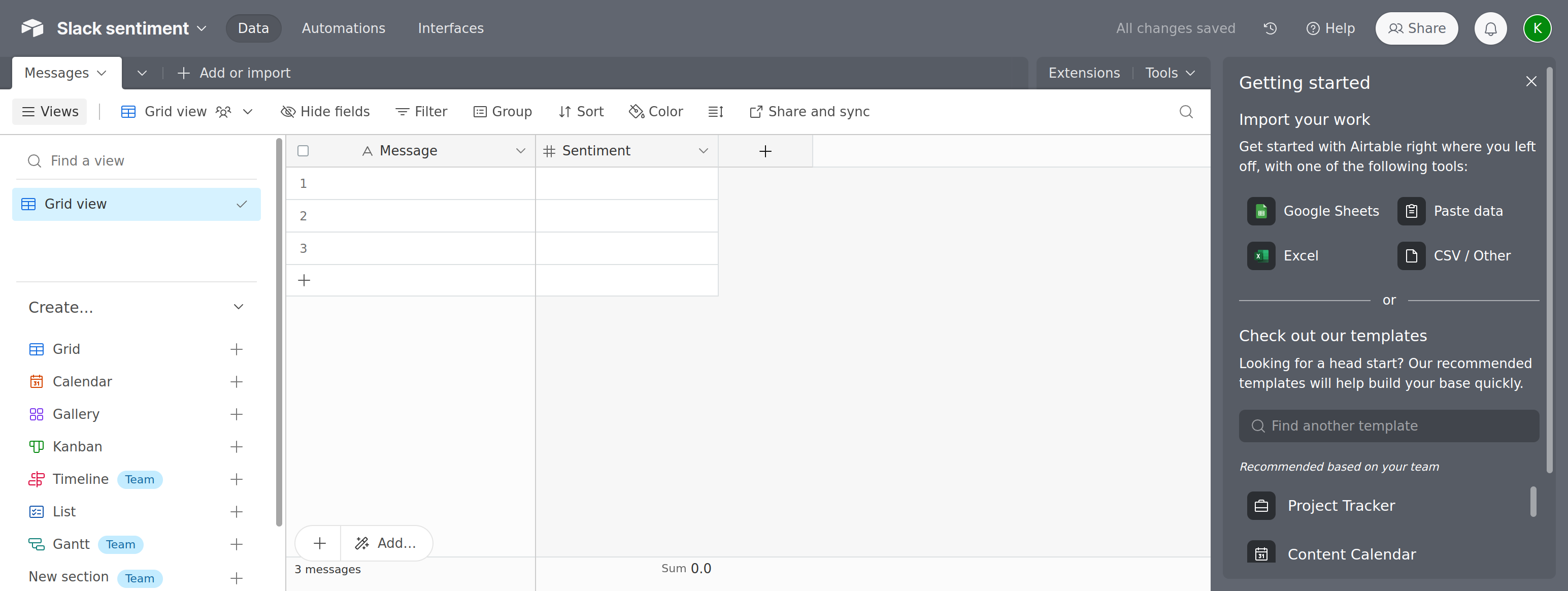
Create an account at [www.airtable.com](https://www.airtable.com), and create a fresh database.
Then go to , to create an access token.
Click 'Create new token' in the top right corner. Give it a name, and select the 'data.records:read' and 'data.records:write', scopes.
Choose your newly created database under 'Access'.
Click 'Create token'. Make sure to copy token from the popup, and store it somewhere safe. You won't be able to retrieve the token again, and will have to make a new one if it is lost.